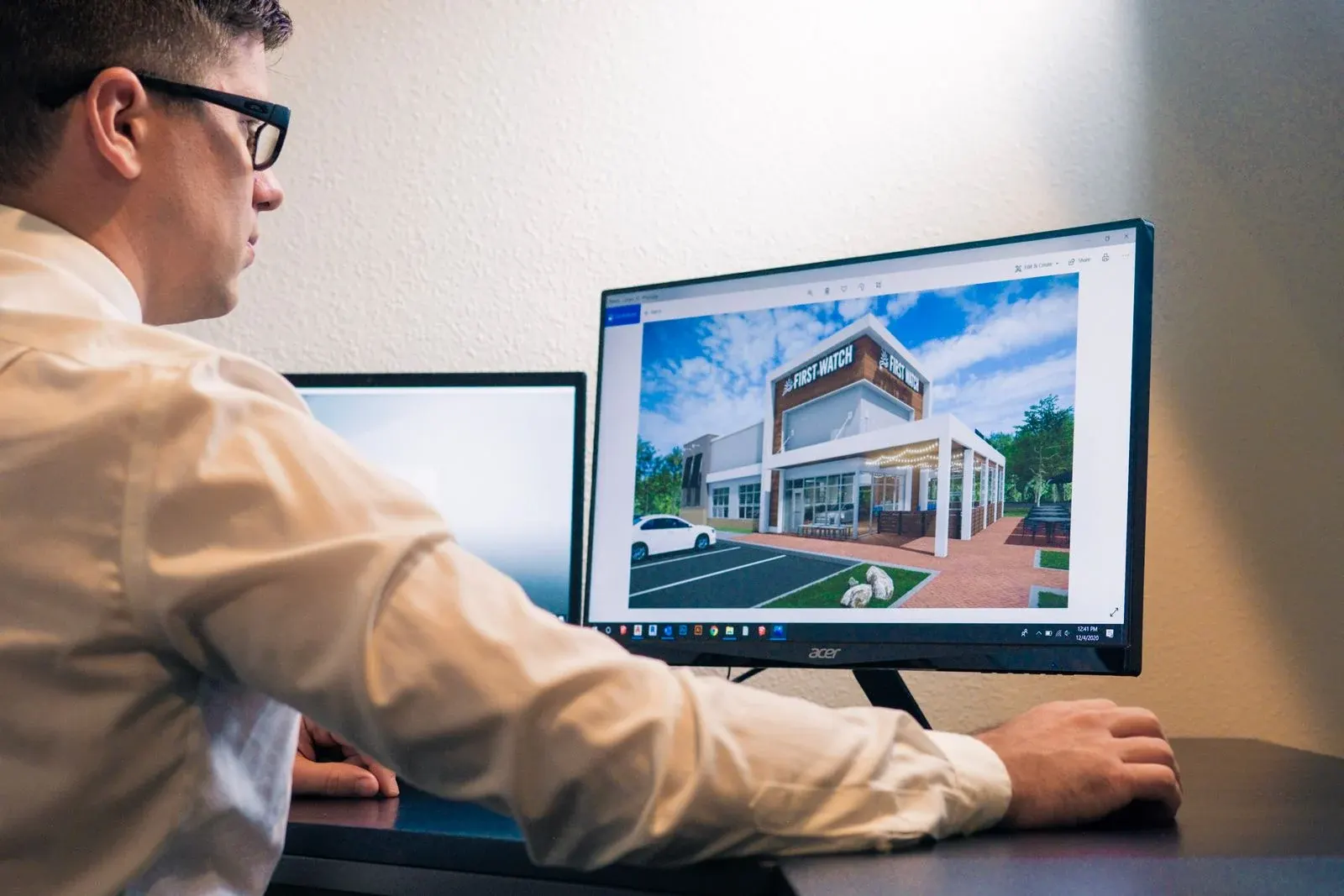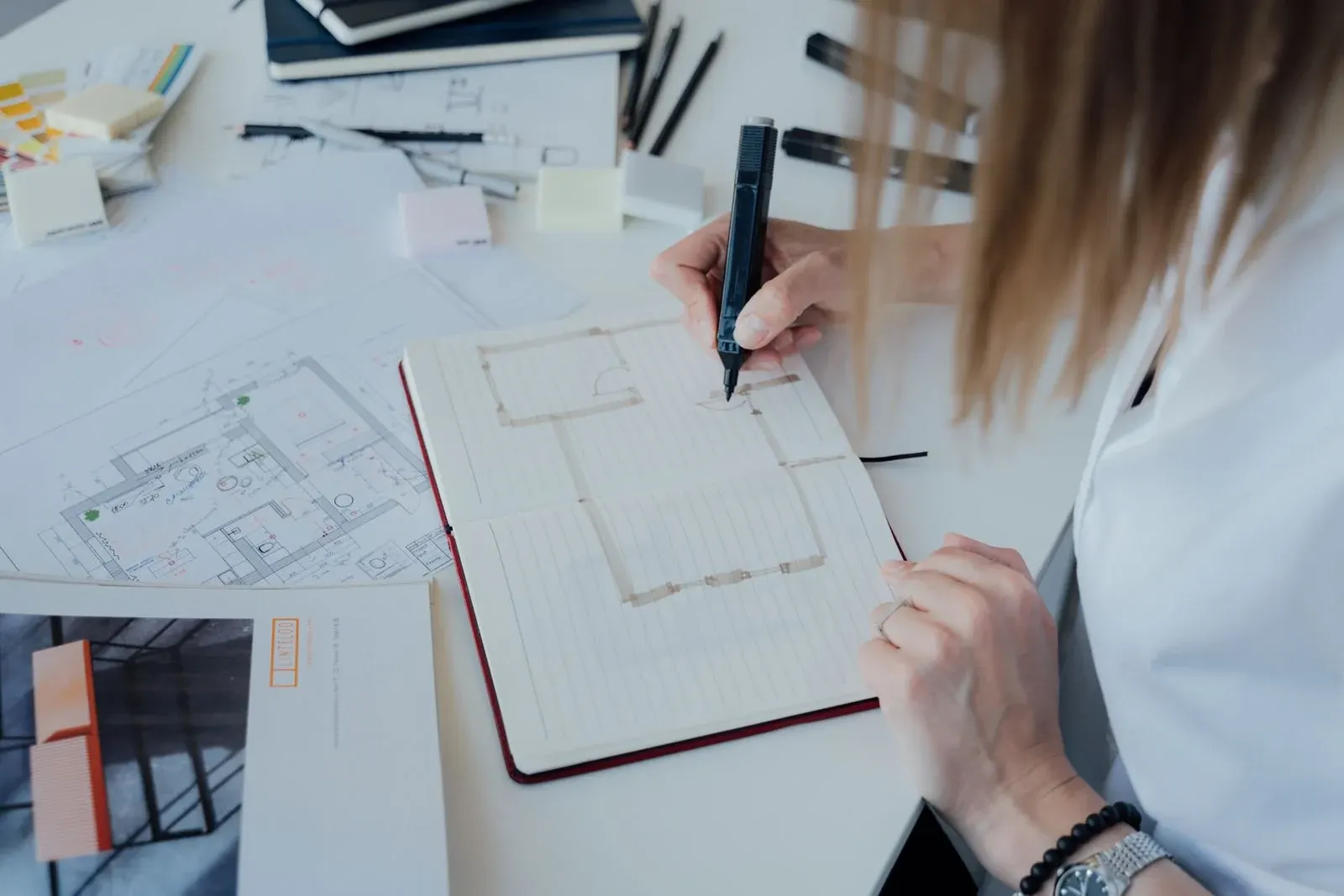
3D visualization
Rendering and Reality: Why Material Samples Still Matter
A convincing render can explain how materials might work together, but it cannot reproduce every physical quality of a finish. Texture, variation, reflectivity and colour perception change with lighting and viewing conditions. Use visualizations to establish direction and samples to test the selections that will actually enter the space.
Understand what the image is simulating
A rendered surface depends on the digital material, model, lighting and camera setup. The result may resemble a product without representing its exact batch or finish.
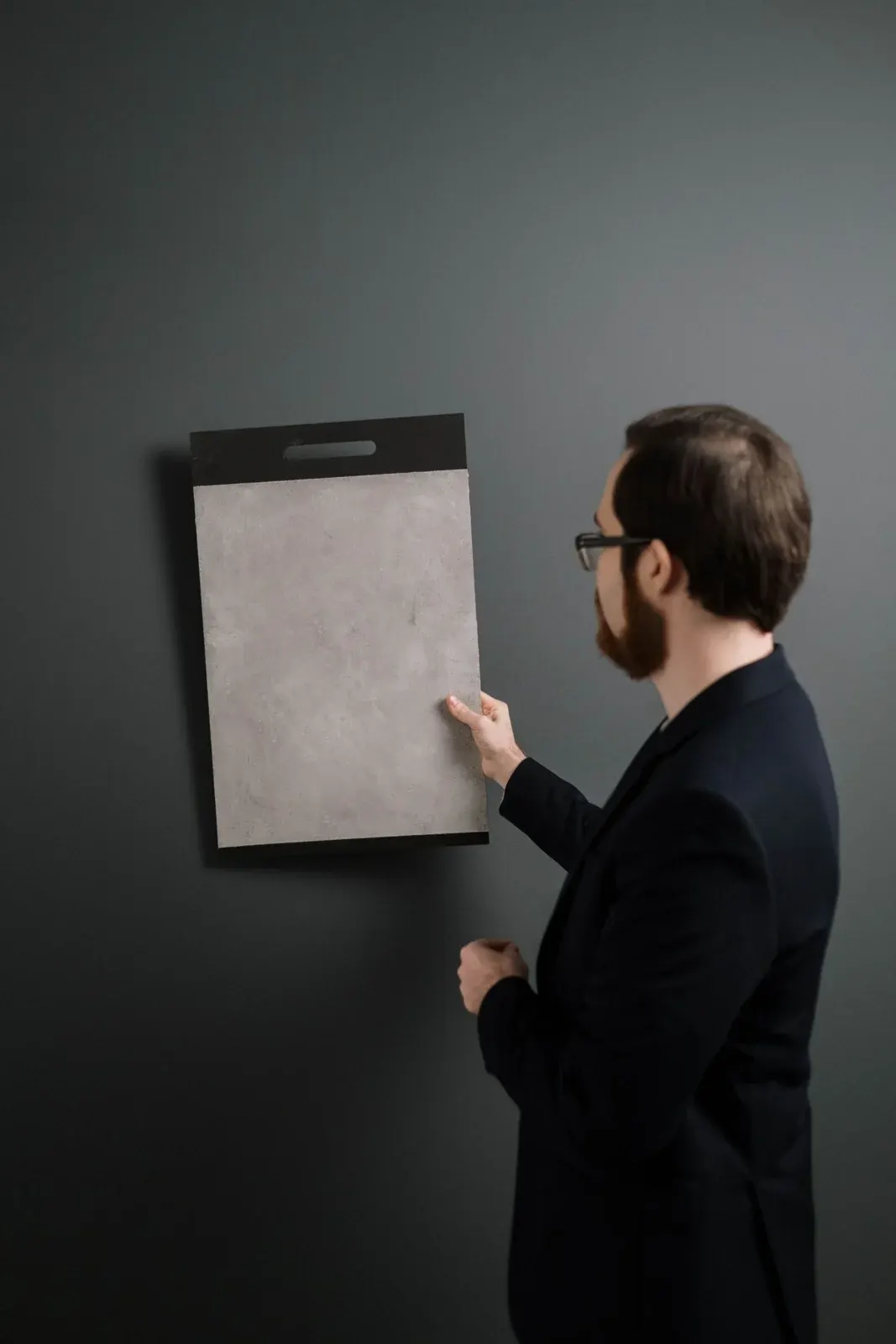
Ask whether the image uses a specified material reference or an illustrative texture. This distinction is especially important for natural stone, wood and other variable finishes. Treat the image as a way to discuss the composition, while supplier samples and specifications inform the final selection.
Compare samples in relevant conditions
Look at several adjacent materials together under daylight and the intended artificial lighting where practical. Move the sample and change the viewing angle.
A glossy finish can behave differently from a matte one even when their base colours appear similar. Screen brightness and image processing can also influence the way a render is perceived. Avoid approving a subtle colour relationship solely from a phone screen without seeing appropriate physical references.
Review variation and junctions
Ask how much variation to expect and whether a larger sample, batch review or mock-up is appropriate. Look at edges, joints and transitions rather than viewing each finish in isolation.
A stone top may need a particular edge profile; a wall panel may depend on how its joints align with doors and lighting. These details can change the reading of the material. Include them in the review before a beautiful sample is assumed to resolve the whole installation.
Document the approval basis
Keep a record of product references, sample approvals and any accepted variation. Note when a render has been updated to reflect a selection, and when it remains an atmospheric reference.
If a proposed product becomes unavailable, compare the replacement physically as well as digitally. The record should help the project team understand what visual qualities matter most. Clear documentation makes substitutions a considered decision rather than an attempt to match a remembered image.
Your review checklist
- Identify illustrative digital materials
- Compare physical samples together
- Check colour under relevant lighting
- Review edges, joints and variation
- Record approved references and substitutions
Should every finish have a full mock-up?
The appropriate review depends on the material, scale and risk of the decision. Some finishes can be assessed with suitable samples; unusual junctions or prominent installations may benefit from a targeted mock-up agreed with the project team.
FROM READING TO YOUR OWN SPACE
Discuss your design brief.
Explore ArchiNova’s design services, or share your project location, approximate area and priorities with us.
Start a conversation ↗